

Popular



The login page serves as the gateway for users to access their Learning Management System (LMS), providing secure authentication, quick access to courses, and options for password recovery and single sign-on.
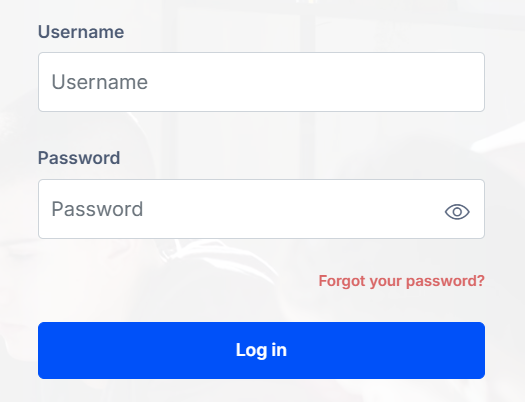
To log in, users need to enter their username and password on the designated fields. Once keyed in, click on the Log in button. If correct, access is granted; otherwise, users may need to reset their password or check their details.
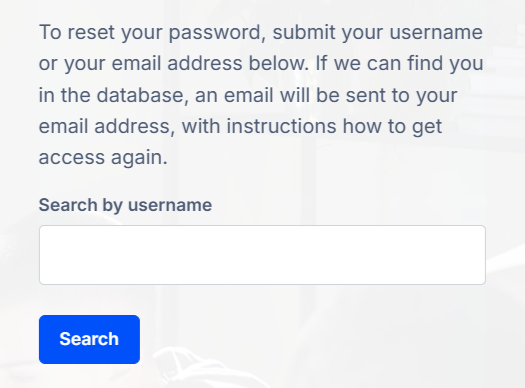
In case of a forgotten password, users can reset it by clicking the Forgot your password? link above the Log in button and following the instructions sent to their registered email.
Account Creation
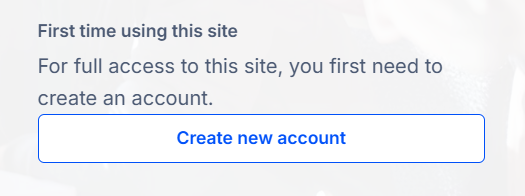
On the login page, click the “Create Account” or “Sign Up” button to begin the process.
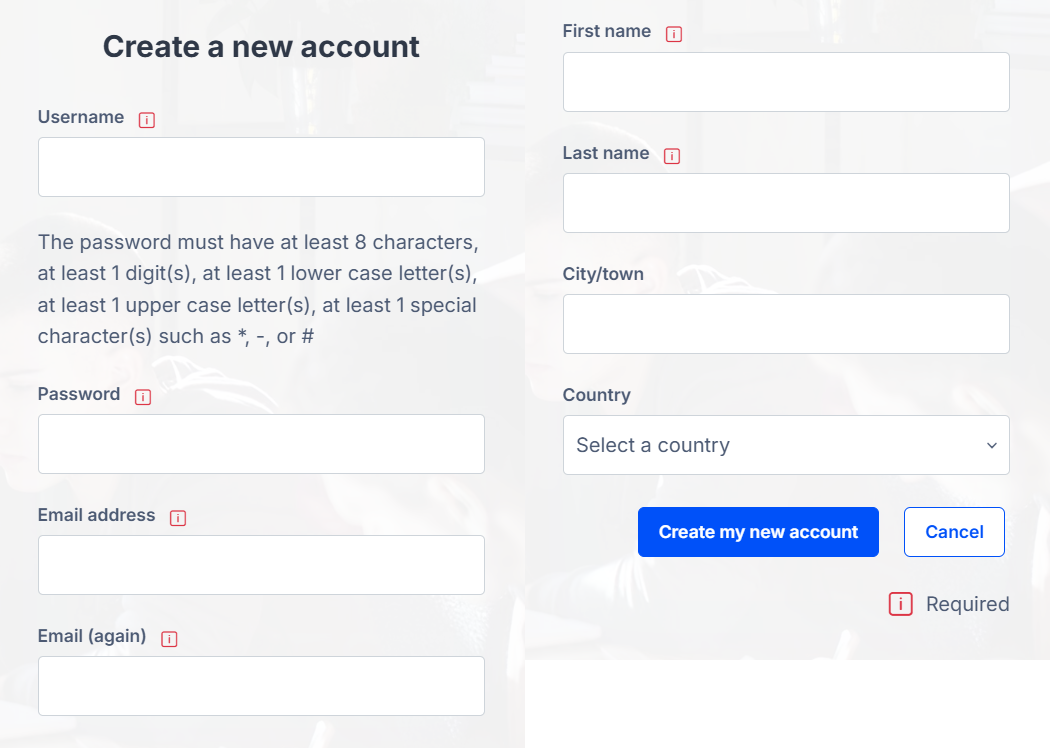
Users will be prompted to enter required details such as name, email address, and a secure password. Users may also choose to enter additional information. Once all details are entered, click Create my new account.
After submitting the registration form, users may need to verify their email by clicking a confirmation link sent to their inbox. Once verified, the account will be activated, allowing users to log in and access the LMS.