

Popular


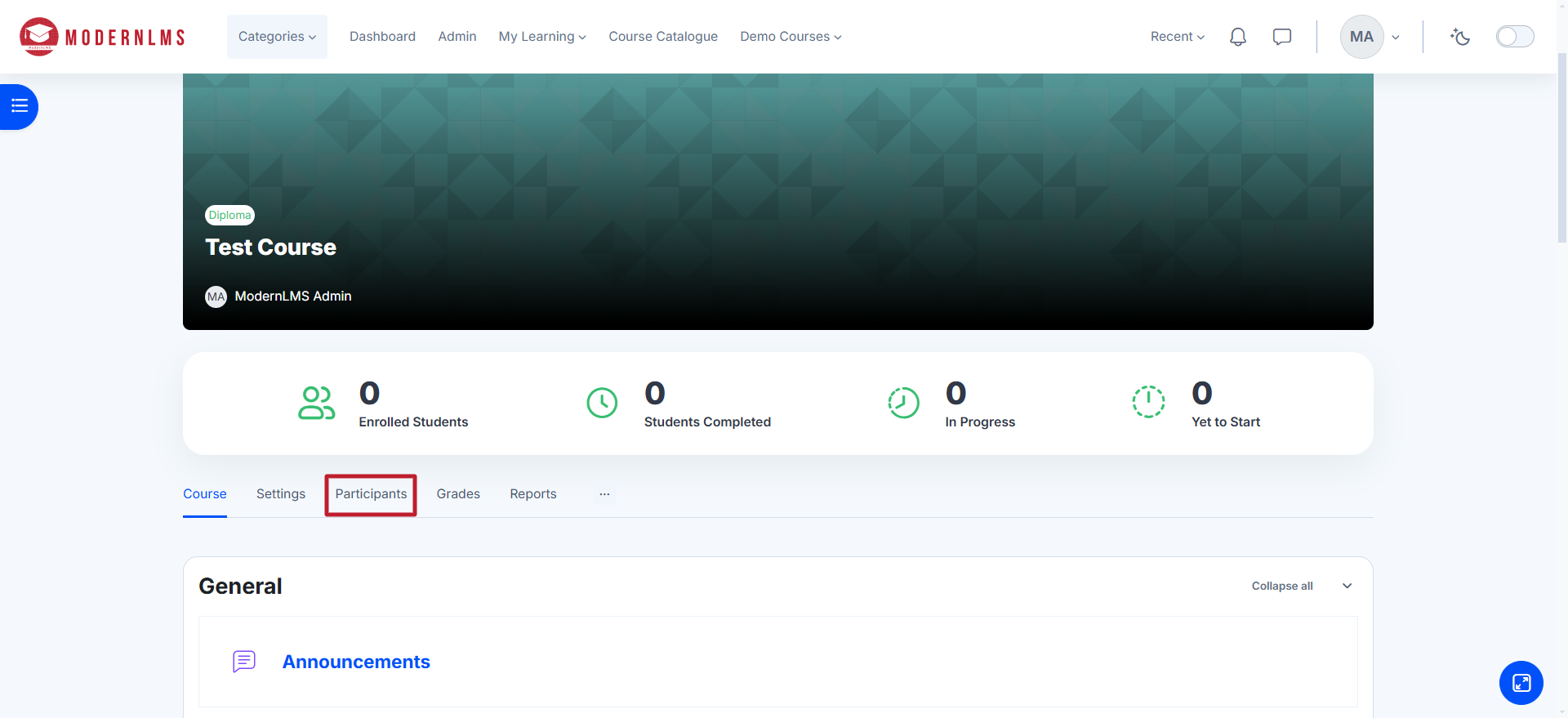
To enrol users manually in a course, log in, select the desired course and click on Participants.
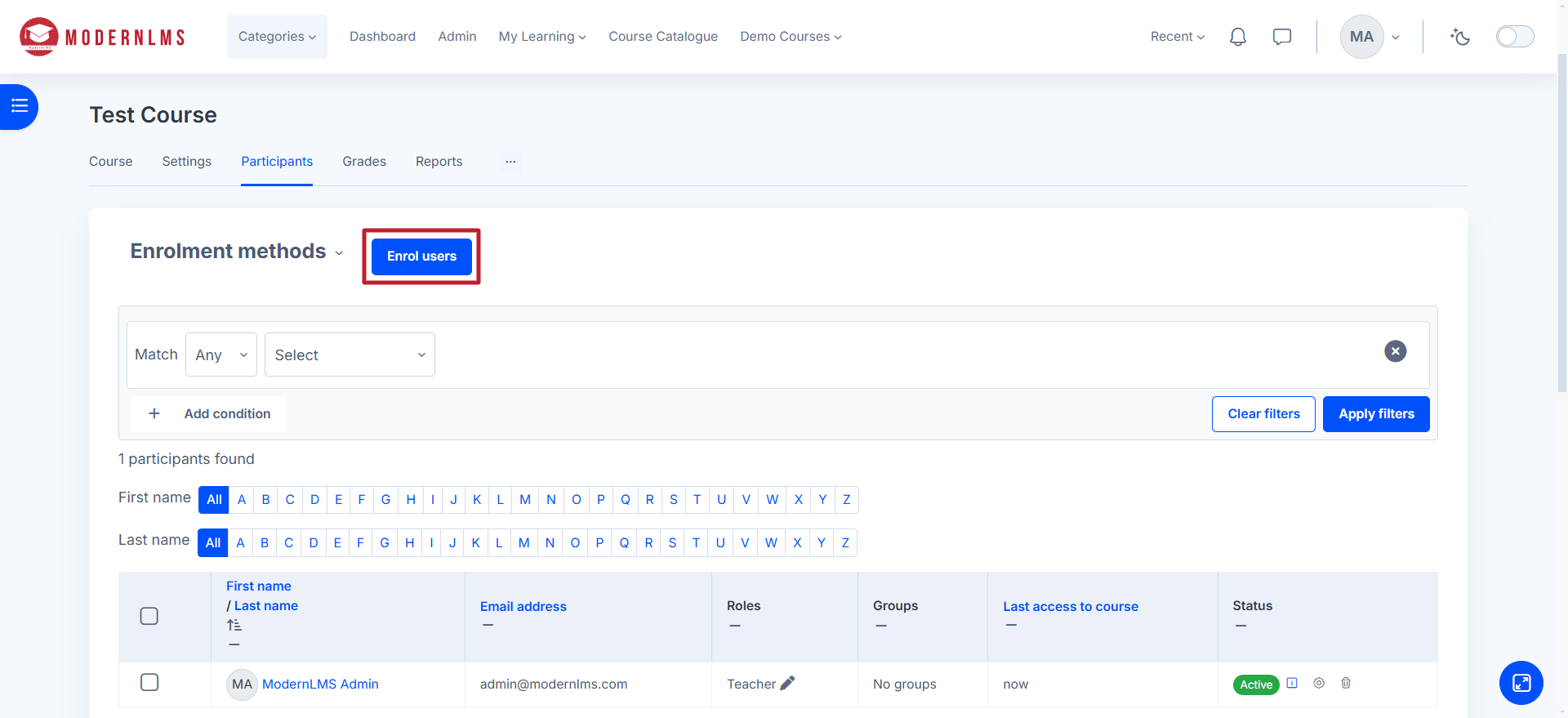
Click the Enrol users button.
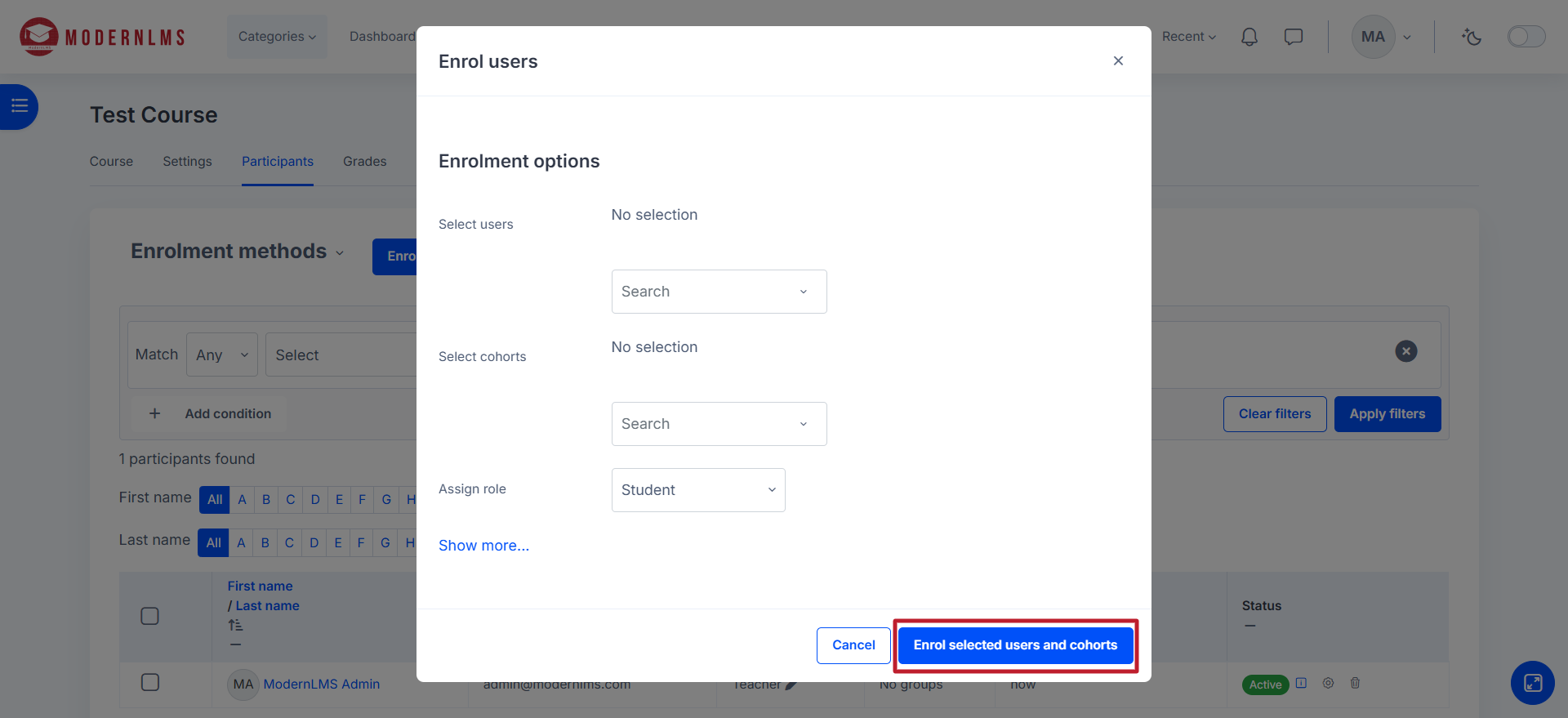
Search for the user by name or email under the Select users field.
Choose the appropriate role (e.g., Student, Teacher).
Click Enrol selected users and cohorts to confirm.
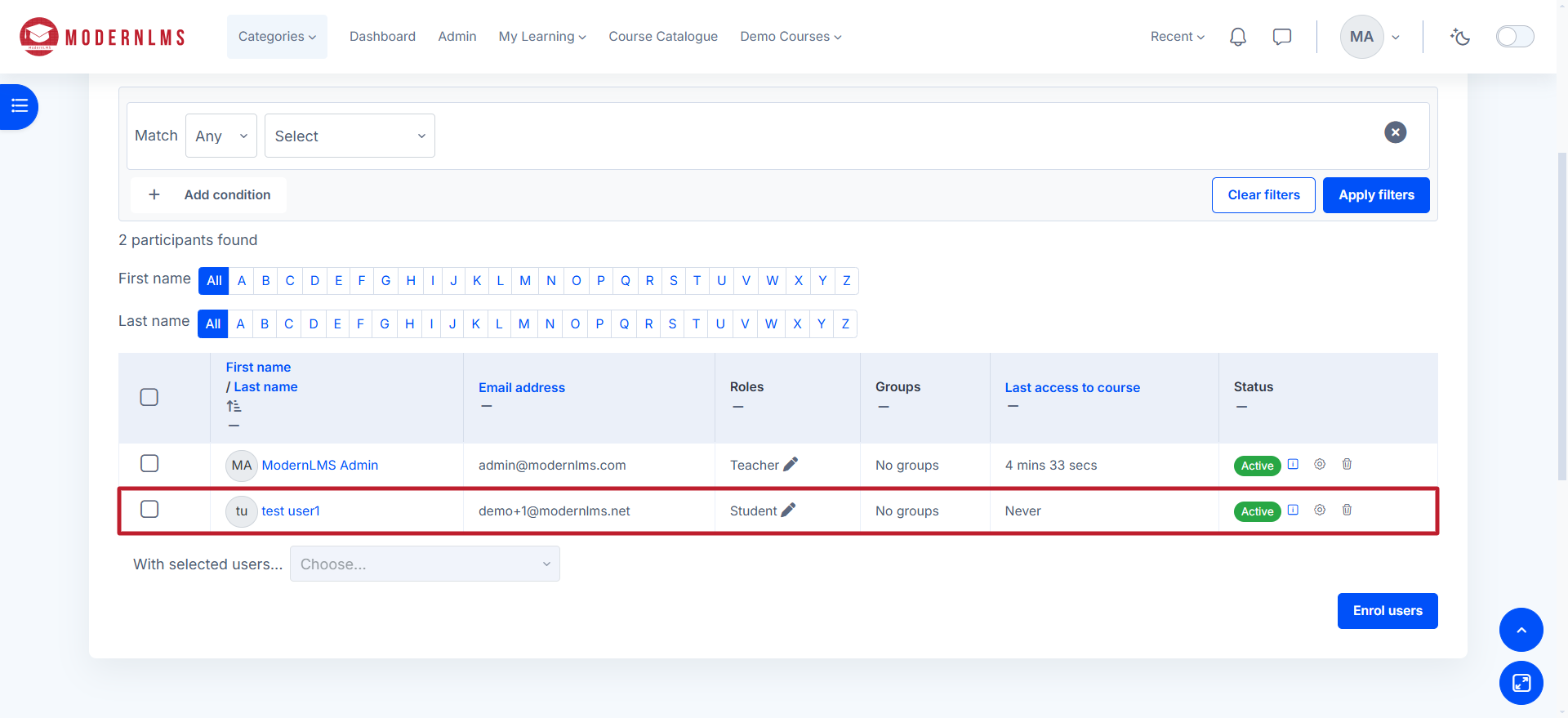
The user will now have access to the course.