Popular


Welcome to the ModernLMS Support Portal User Guide! In this guide we will guide towards how to view your user profile details and changing/resetting your user password for the ModernLMS Support Portal.
DISCLAIMER: Any Names, Email Addresses, and Passwords displayed in the documentations are entirely fictional and are only use for educational & guidance purposes.
Access the Support Portal
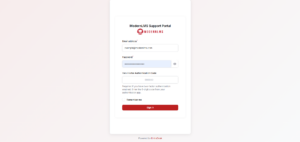
Visit https://support.modernlms.com/ and click “Sign in” at the top right corner.
- Log In
Enter the login credentials provided to you.
Landing Page/Dashboard
-
Directed to Dashboard
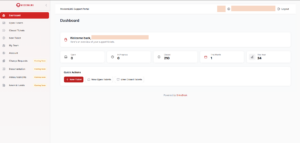
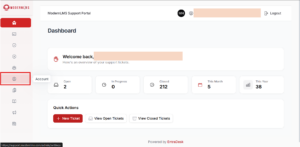
Once logged in, you’ll be directed to the dashboard.
Navigating to Account Settings Page
-
Navigation Menu
Click on the option labeled “Account” to bring you to the Account Settings Page
Account Settings Page
-
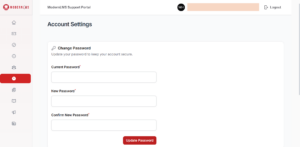
User Account Settings
The portal will then re-direct you to the Account Settings page where you can change your password for the ModernLMS Support Portal.
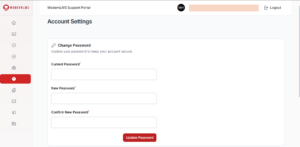
- Password Reset
if you wish to reset your password, do feel free to contact us via email or any other agreed official communications methods.
-
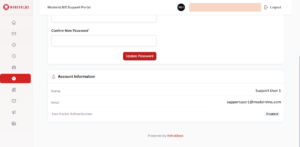
User Account Details
In this page you can also view your current user account details.