

Popular


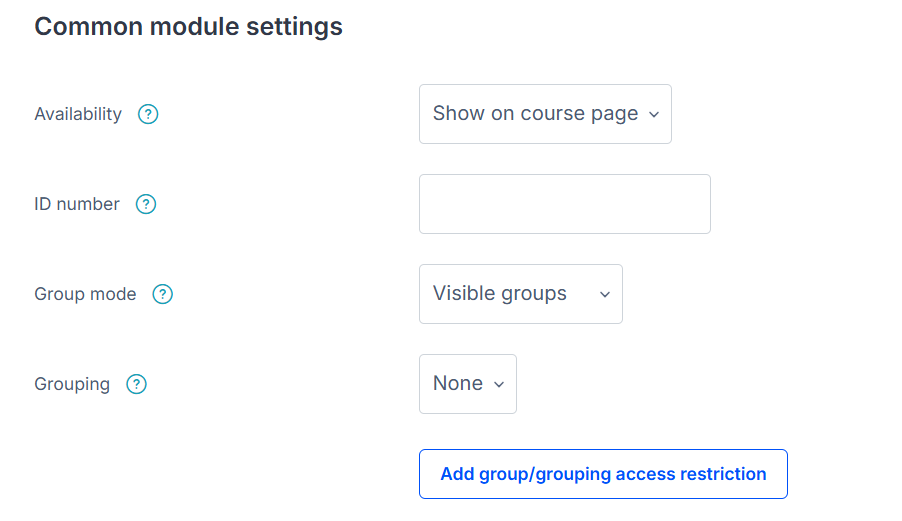
The Common Module Settings allow instructors to control visibility, group modes, and ID numbers for better organization. Activities can be set to visible or hidden, and group mode options determine whether students work individually or in groups. The ID number is useful for tracking activities within grade calculations or reports.
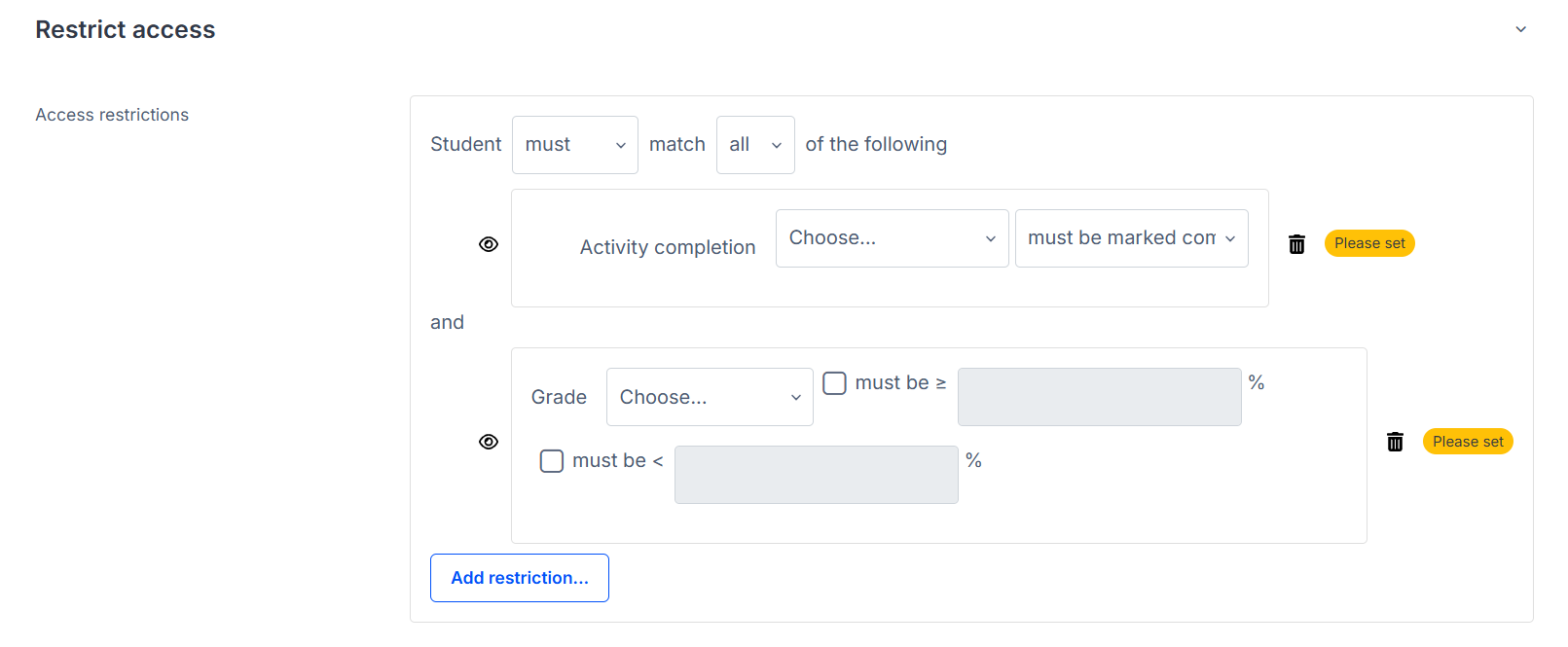
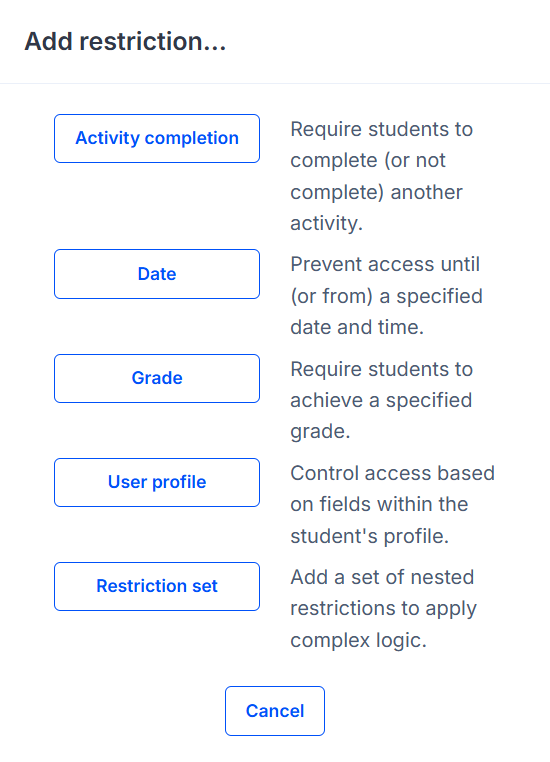
The Restrict Access settings enable conditions that determine when and how learners can access an activity. Instructors can set restrictions based on dates, specific grades, completion of previous activities, user profile fields, or even a combination of multiple conditions.
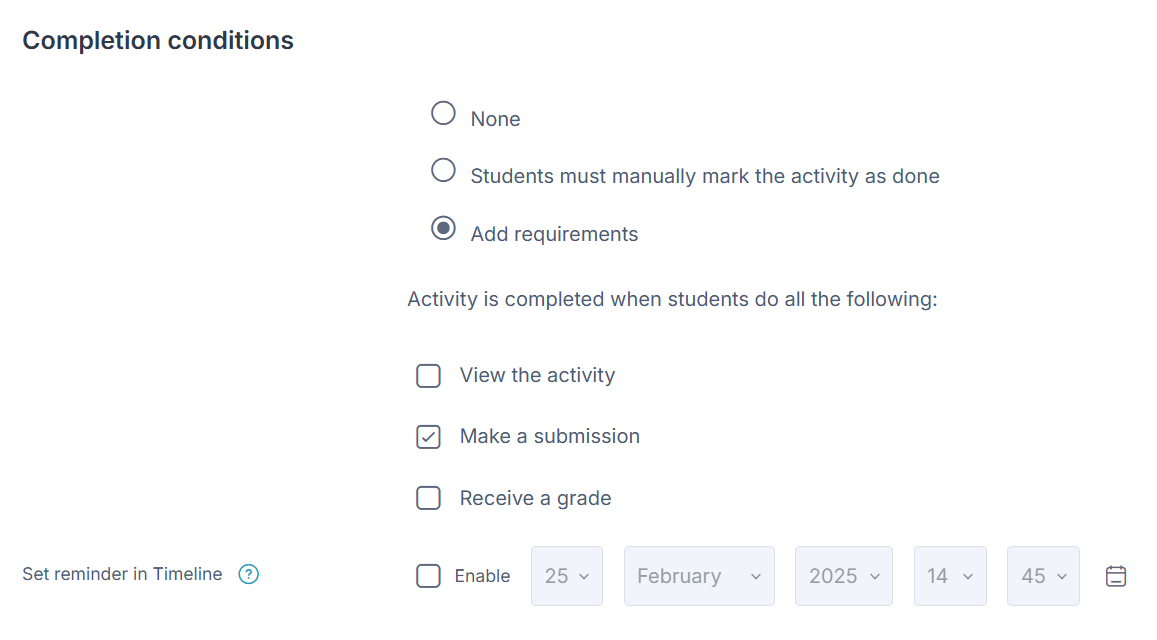
The Completion Conditions define what a user must do to mark the activity as complete. This could include simply viewing the activity, submitting an assignment, receiving a grade, or meeting specific performance criteria.