

Popular


Gradebook Setup
-
Log in as Administrator or Teacher to a course
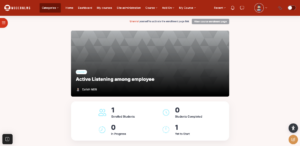
-
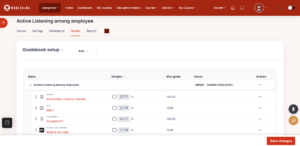
Navigate to
Course → Grades → Select Setup → Gradebook setup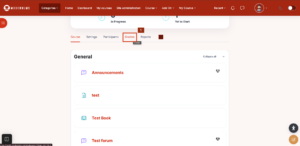
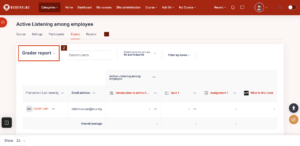
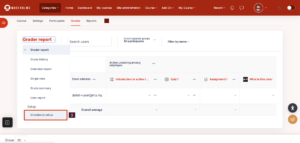
-
Configure grading structure:
-
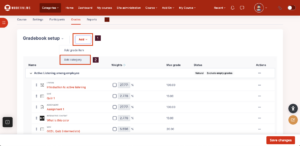
Create Categories (e.g. Quiz, Assignment, Final Assessment)
– Select “Add” and “Add Category”
-
-
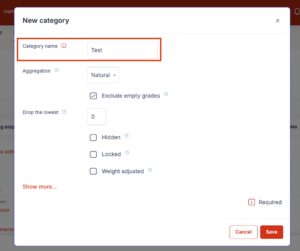
- A Pop-Up will appear, and add the “Category name” and click the button “Save”.
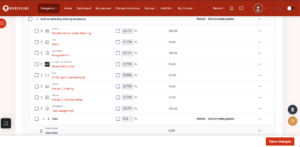
- Assign activities to the correct category
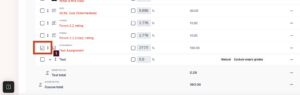
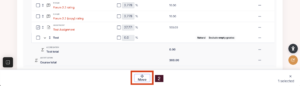
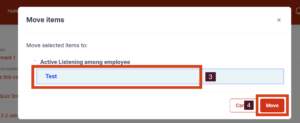
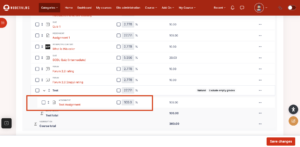
-
Adjust Category total and weighting as required
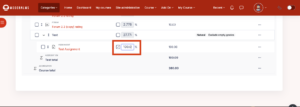
-
Save changes
Optional (Admin level):
-
Site administration → Grades → General settings
-
Configure default grading behaviour (decimal points, grade display type)