

Popular


Questionnaire / Feedback Responses
- Log in to the LMS using a Course creator or Super Admin account.
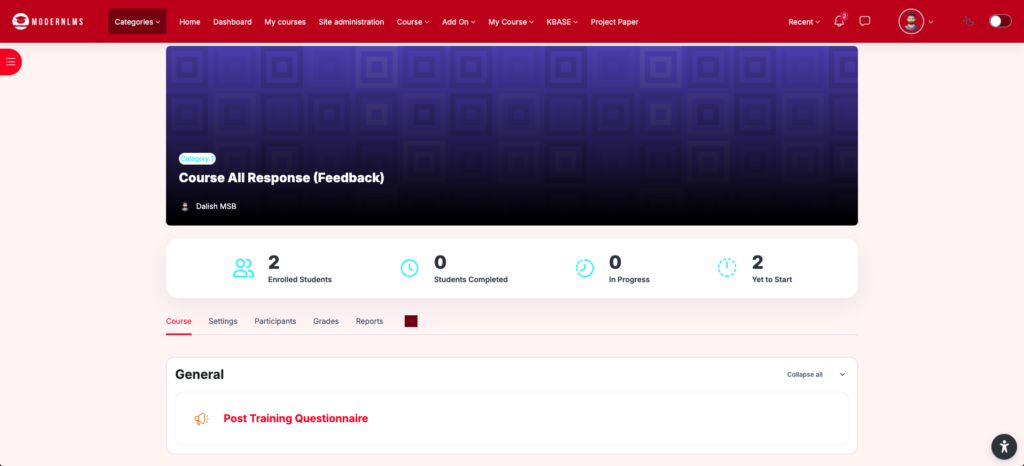
- Navigate to the relevant course.
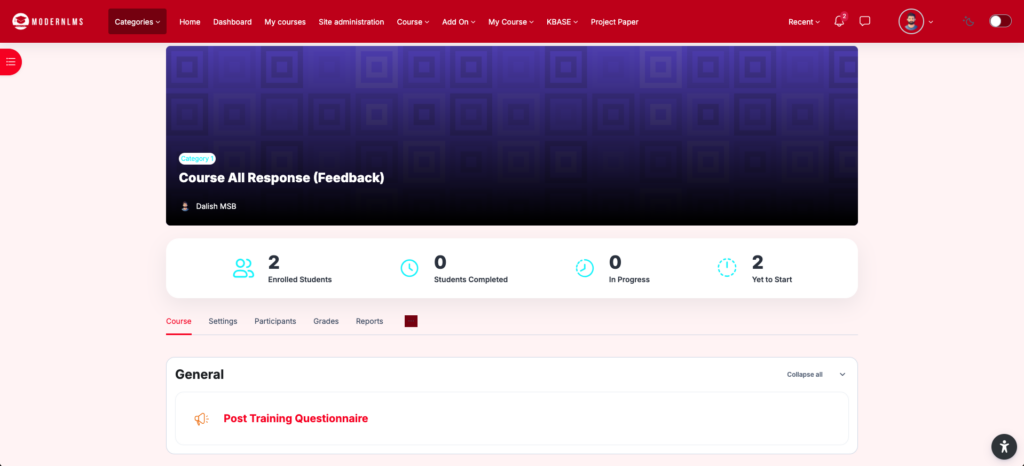
- Locate and open the required Questionnaire activity.
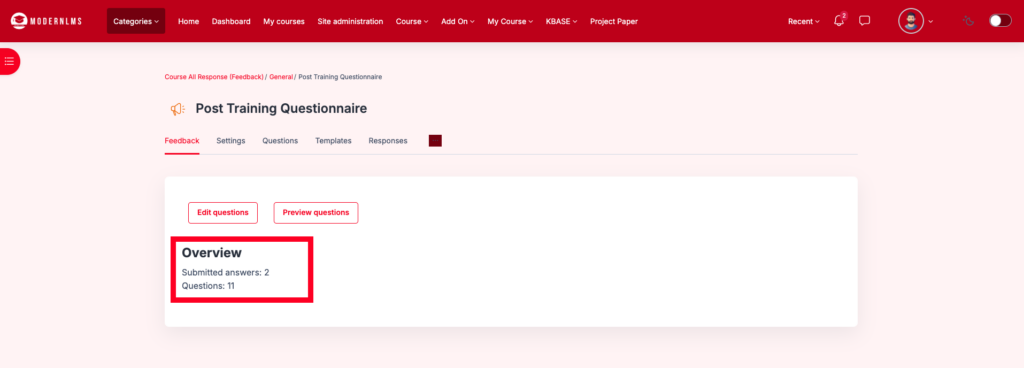
- Confirm that participants have submitted responses to the questionnaire.
- Click View All Responses.
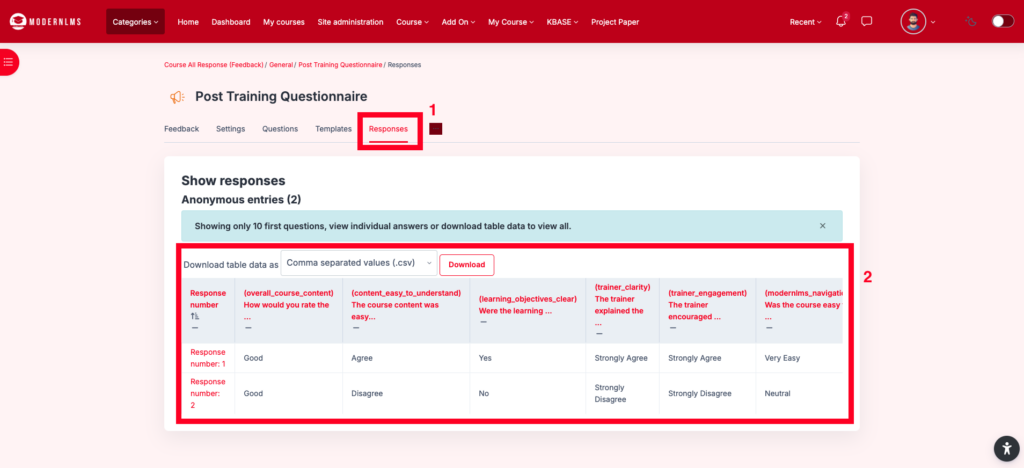
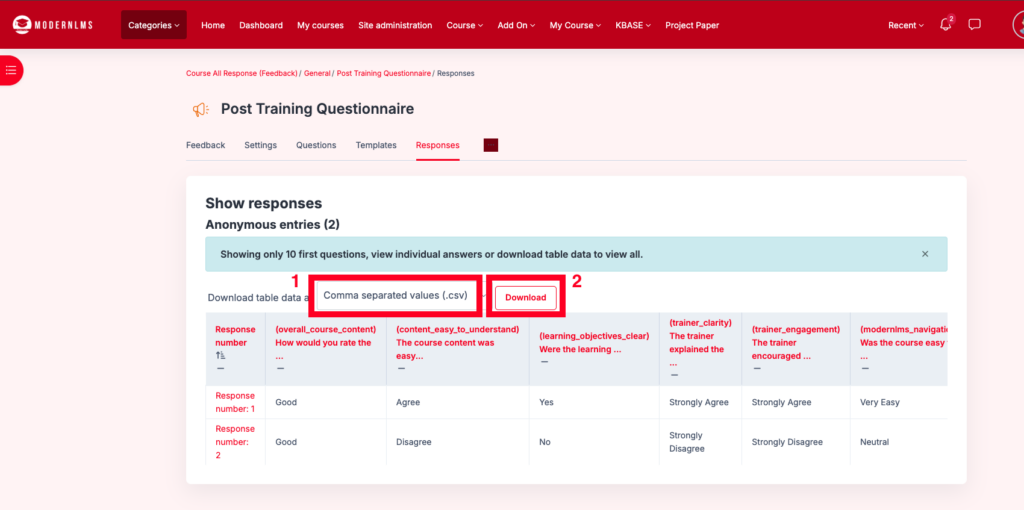
- Select Download
- Select the required download format, such as CSV.
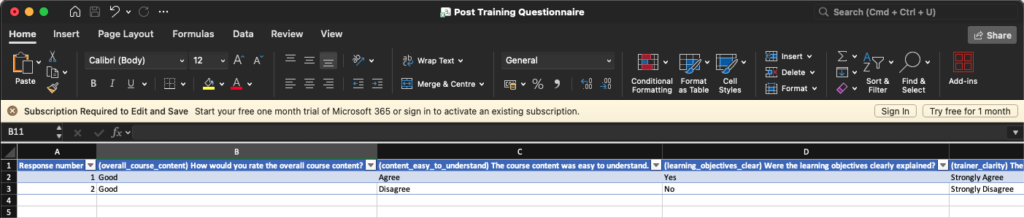
- Open the downloaded file using Microsoft Excel or another spreadsheet application.
Note: The button may not appear if there are no submitted responses.